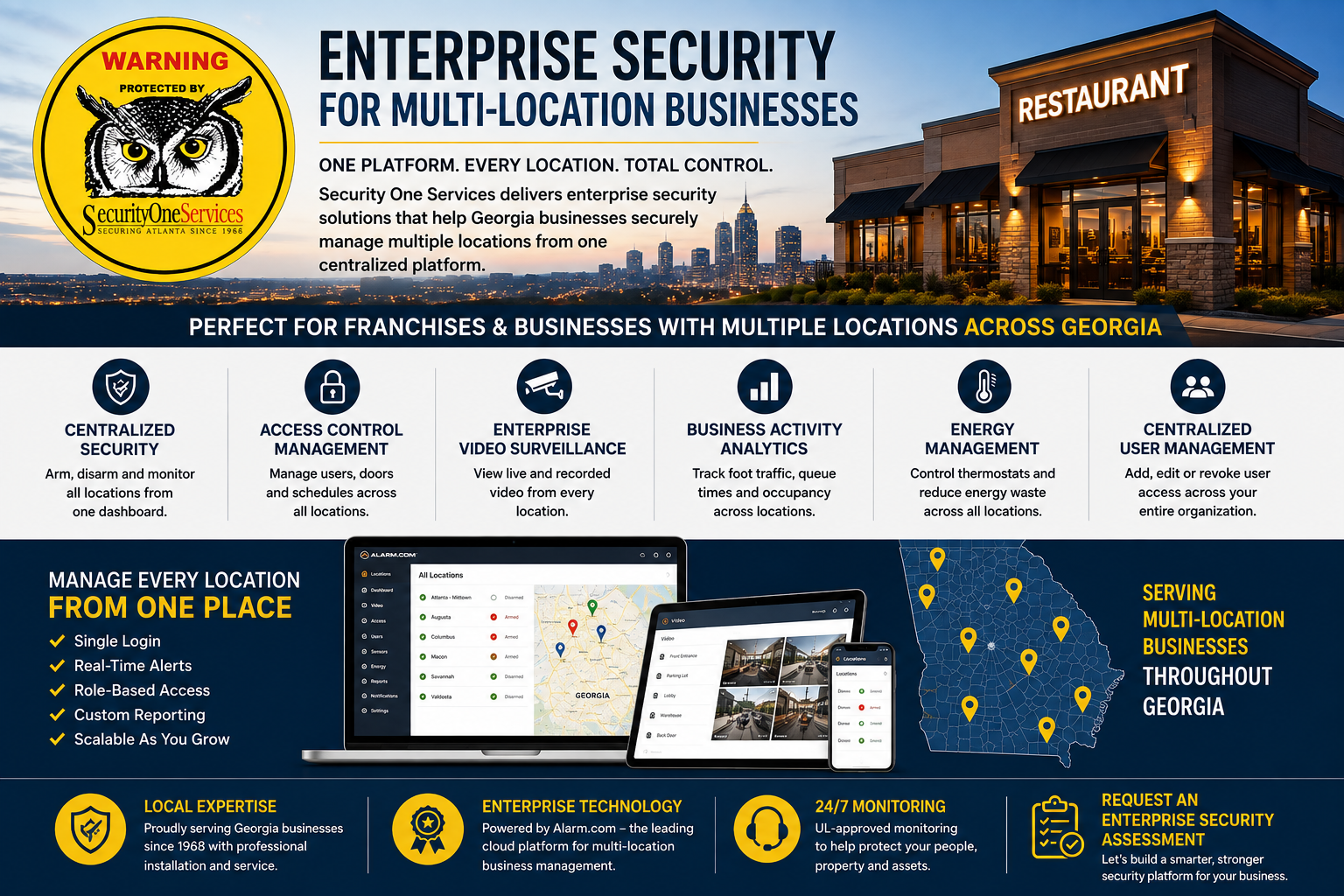
Enterprise Security Services for Multi-Location Businesses in Georgia
One Platform. Every Location. Total Control.
Managing security for one business location is straightforward.
Managing security for 10, 25, 50 or more locations across Georgia is a completely different challenge.
Security One Services provides Enterprise Security Services for multi-location businesses, helping franchise owners, restaurant groups, retail chains, corporate organizations and other businesses manage security, access control, video surveillance and other connected systems across multiple locations from a centralized platform.
Instead of managing every location separately, your organization can gain centralized visibility and control through Alarm.com Enterprise technology, professionally installed and supported by Security One Services.
Built for Businesses With Multiple Locations
One login. Multiple locations. Centralized management.
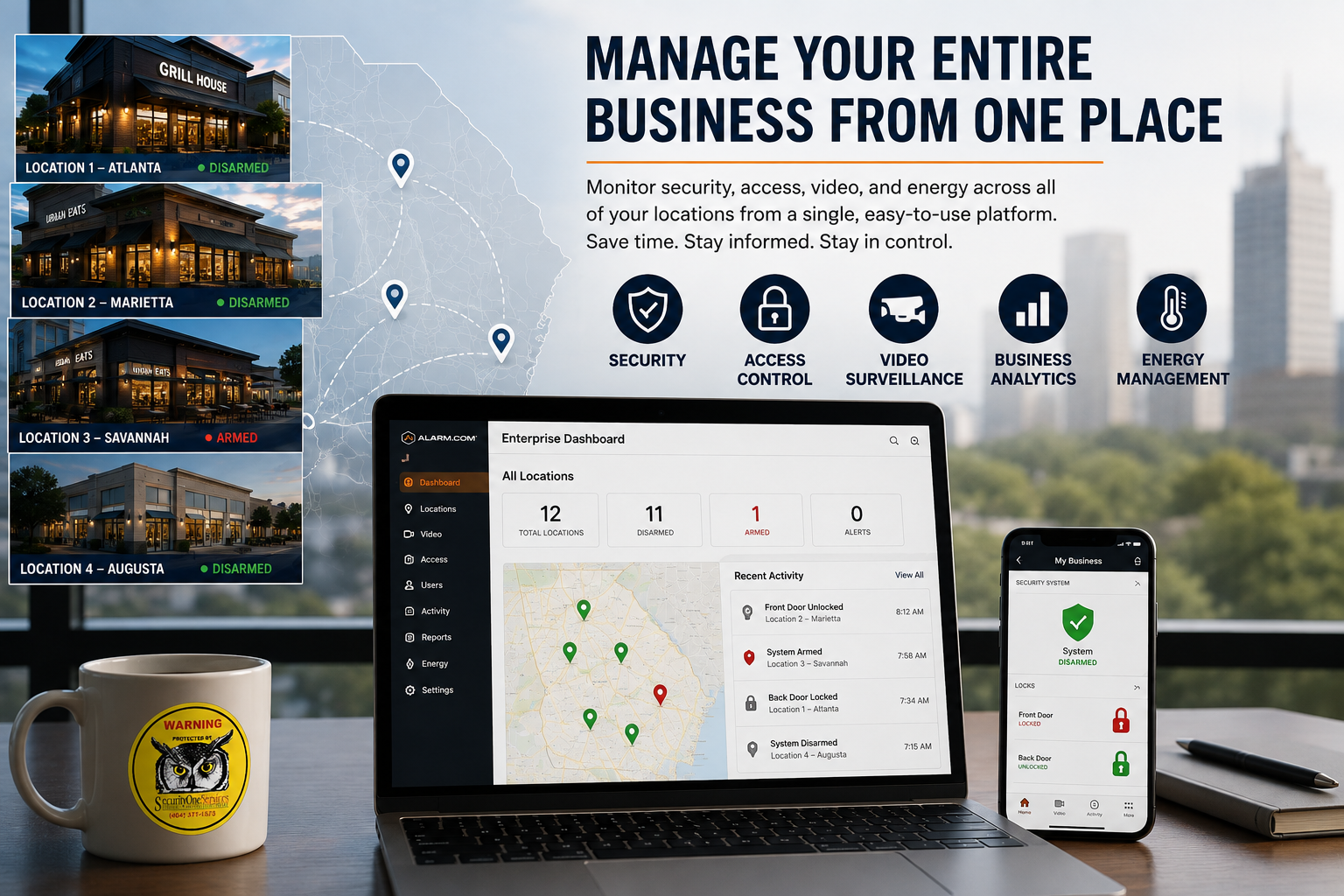
Manage Your Entire Business From One Place
Stop Managing Every Location Separately
As your business grows, so does the complexity of managing security.
Each new restaurant, store, office or facility can mean another alarm system, another camera system, additional employees and credentials, and another location that someone has to manage.
Enterprise Services helps bring those systems together.
With Alarm.com's Enterprise platform, authorized users can manage multiple business locations through a centralized dashboard while organizing locations into groups or regions that match the way your organization operates.
Manage:
Security and alarm systems
Commercial access control
Security cameras
Employee access
User permissions
Door schedules
Business activity
Energy management
Notifications
Reports and activity history
Your locations remain individually identifiable and manageable while your organization gains a broader view of the entire business.
Perfect for Georgia Franchise & Multi-Location Businesses
Security Designed Around the Way Your Business Operates
Enterprise Services is particularly valuable for businesses where the same security standards need to be maintained across multiple locations.
Restaurant Franchises
Manage security, employee access, cameras and business activity across multiple restaurants.
Retail Chains
Maintain consistent security procedures while giving store managers the access they need.
Medical & Dental Groups
Manage access control, alarms and video across multiple offices and facilities.
Automotive Groups
Monitor dealerships, service centers and other properties from a centralized platform.
Corporate Offices
Manage employee access, security and video across multiple office locations.
Warehouses & Distribution
Centralize security oversight across warehouses, distribution centers and facilities.
Regional Businesses
Create a scalable security platform that can grow as you add locations.
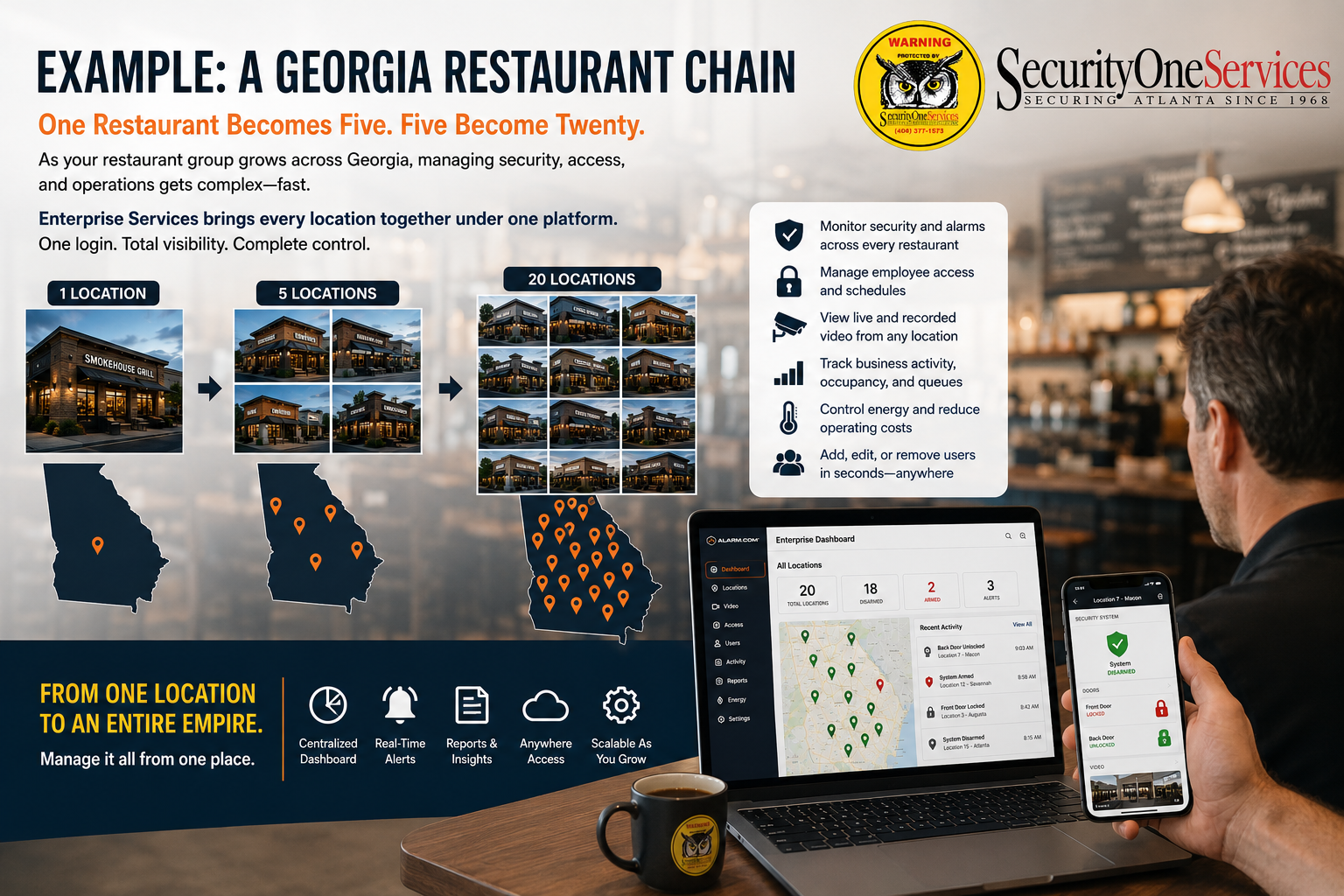
Example: A Georgia Restaurant Chain
One Restaurant Becomes Five. Five Become Twenty.
Imagine you operate a restaurant group with locations throughout Georgia.
Each restaurant has:
An alarm system
Security cameras
Employees with access credentials
Managers with different responsibilities
Opening and closing procedures
Multiple doors and access points
Different security events and alerts
Managing each restaurant independently can become a major administrative burden.
Enterprise changes the way you manage those locations.
Your corporate or regional management team can have centralized visibility across the organization while individual restaurant managers can receive permissions appropriate for their location.
A corporate administrator may need visibility across every restaurant.
A regional manager may need access to 15 locations.
A restaurant manager may only need access to their individual location.
Enterprise management allows the system to be structured around those different responsibilities. Alarm.com supports hierarchical groups and permission levels so businesses can delegate access without giving every user control over the entire organization.
Centralized Security Management
Know What's Happening Across Your Locations
Instead of checking each alarm system individually, Enterprise management provides centralized visibility into the security status of your locations.
Authorized users can monitor and manage security functions remotely, helping businesses respond more efficiently to events and maintain consistent security procedures.
Enterprise security can help you:
Monitor multiple locations
Remotely arm and disarm systems
Automate security schedules
Receive important alerts
Identify unusual activity
Manage security procedures across groups
Review activity across locations
Alarm.com supports multi-location security automation, including applying security rules across locations and creating alerts for events such as late openings or unexpected activity.
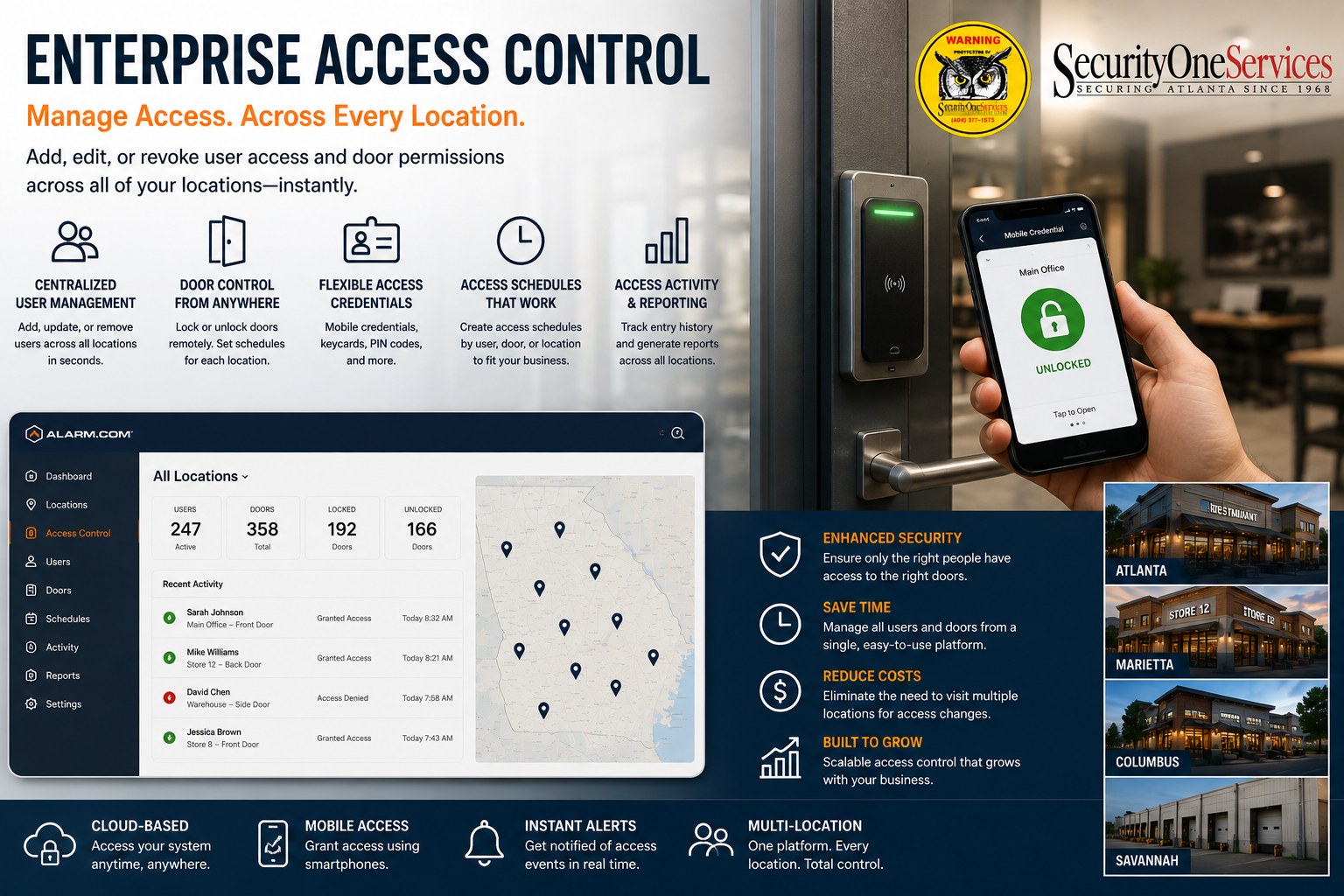
Enterprise Access Control
Manage Employee Access Across Multiple Locations
Employee turnover and changing responsibilities can become increasingly difficult to manage as your organization grows.
Enterprise access control allows authorized administrators to manage employee credentials and permissions across multiple business locations.
Add, change or remove access without managing every location separately.
You can establish access permissions based on:
Employee
Location
Region
Job responsibility
Schedule
Department
Management level
For example, a regional manager could receive access to multiple restaurants while a restaurant manager only receives access to their assigned location.
Alarm.com supports centralized management of user codes, access permissions and access schedules across multiple business locations.
Better Access Control. Less Administrative Work.
When an employee leaves the company, access can be removed without having to manually update every location where that employee previously had credentials.
Enterprise Video Surveillance
See What's Happening at Multiple Locations
Your security cameras become even more valuable when your management team can access video across the organization.
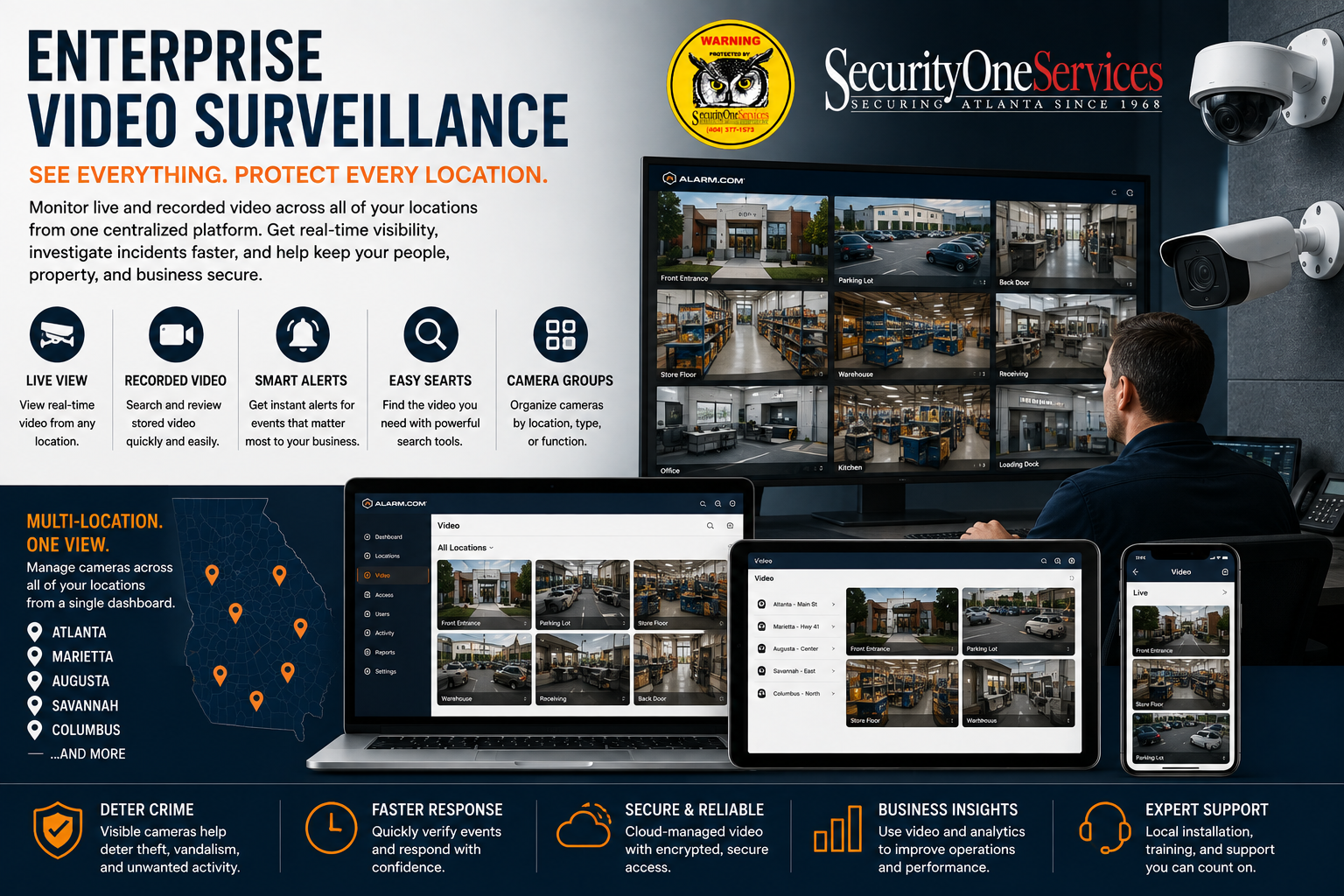
Enterprise video management provides centralized access to live and recorded video from multiple locations.
From one platform, authorized users can:
View live video
Review recorded footage
Search for cameras
Organize cameras into groups
Investigate incidents
Review video associated with security events
Access video remotely
Alarm.com's multi-location video capabilities are designed to allow businesses to view and manage cameras across multiple locations without switching between separate location interfaces.
One Business. Multiple Locations. One View.
Corporate security personnel can gain broader visibility while local managers retain access appropriate to their responsibilities.
Business Activity Analytics
Your Cameras Can Provide More Than Security
For restaurants, retail stores and other customer-facing businesses, security cameras can provide useful operational information in addition to security.
Compatible Alarm.com Business Activity Analytics can provide insights such as:
People counting
Occupancy
Queue monitoring
Crowd gathering
Heat mapping
Traffic patterns
Queue Monitoring, for example, can measure the number of people in a defined queue and how long they remain there.
Understand What's Happening at Your Locations
Business activity information can help organizations evaluate customer traffic, staffing requirements, facility layouts and other operational factors.
Your security infrastructure can become a source of information for both security and business operations.
Energy Management Across Multiple Locations
Help Reduce Energy Waste
Managing thermostats and environmental settings individually at every location can create unnecessary work.
Enterprise technology can help businesses monitor and manage environmental settings across multiple properties.
Depending on the system configuration, businesses can establish automated rules and schedules to help manage energy use when locations are closed or occupancy changes.
Alarm.com identifies energy management as part of its connected multi-location business platform.
One Platform for More Than Security
Manage connected:
Security
Access
Video
Energy
Automation
from a centralized environment.
Centralized User Management
Give Employees the Access They Need
Enterprise management helps you control who can access your organization's systems and locations.
Rather than giving every employee unrestricted access, administrators can establish permissions based on their role.
Corporate Management
Organization-wide visibility and management.
Regional Management
Access to assigned groups or regions.
Local Management
Access limited to specific locations.
Employees
Access based on their assigned responsibilities.
This approach helps businesses maintain better control as they add employees and locations.
Enterprise Reporting & Activity
See the Bigger Picture
When your organization operates multiple locations, individual events can be difficult to track.
Enterprise management can help administrators review activity across locations and use reporting tools to identify important events and trends.
Alarm.com's multi-location platform supports filtering activity across locations and scheduling reports for managers.
Get Visibility Into:
Alarm activity
Access events
Opening and closing activity
Location status
Security events
System activity
Other connected business information
Built to Grow With Your Business
Add Locations Without Rebuilding Your Security Strategy
Your business isn't going to stay the same size.
You may start with three locations and eventually have 30.
Enterprise Services gives you a scalable approach to managing your security infrastructure as your organization expands.
Adding a Location?
We can help design and deploy the security system and connect the new location to your existing enterprise environment.
Expanding Into Another Region?
Your enterprise organization can be structured into groups or regions.
Adding Employees?
Manage their access and permissions.
Acquiring Another Business?
Evaluate existing systems and determine what can be upgraded, integrated or replaced.
Already Have Security Systems at Your Locations?
You May Not Have to Replace Everything
If you already have alarm systems, cameras or access control installed at your locations, don't assume you have to start over.
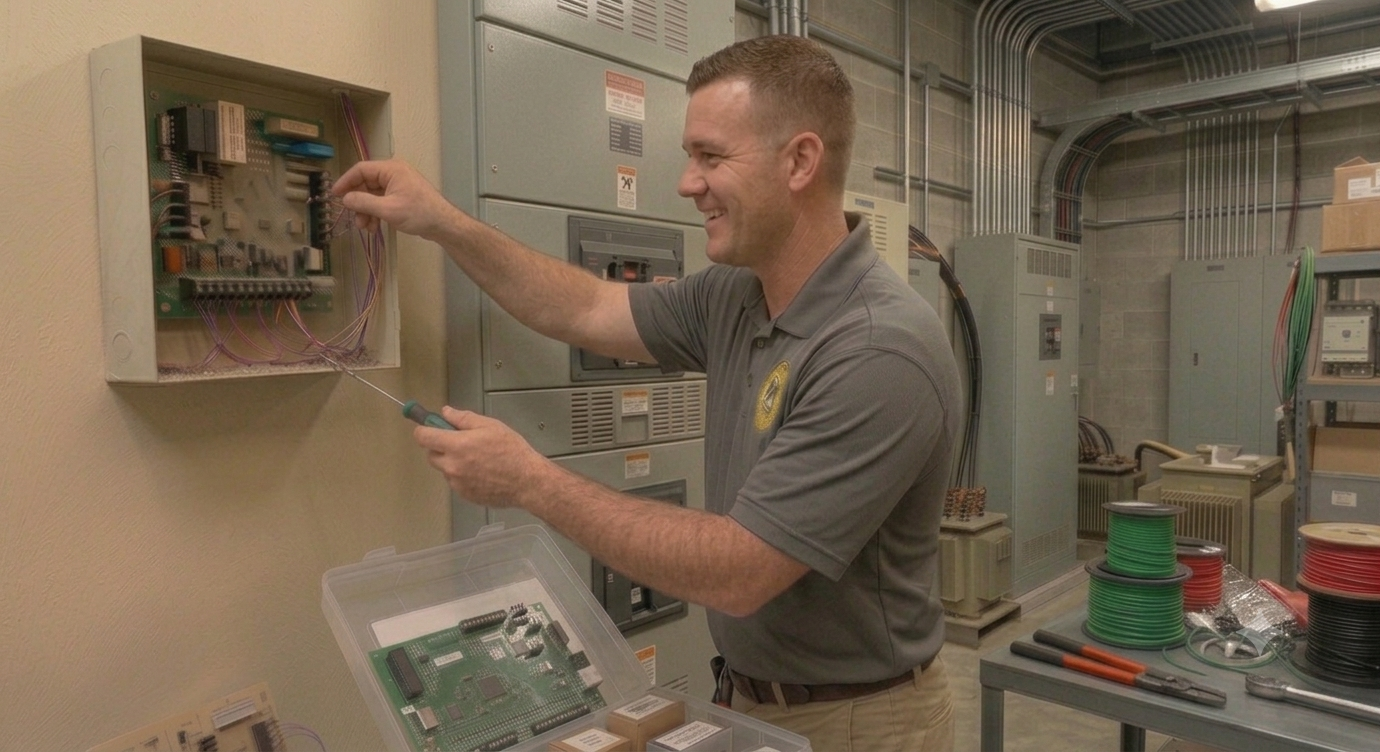
Security One Services can evaluate your existing commercial security infrastructure and determine what may be compatible with an upgrade or integration.
We can work with businesses to:
Upgrade compatible equipment
Replace outdated equipment when necessary
Add commercial access control
Upgrade security cameras
Integrate compatible systems
Add Alarm.com remote management
Provide ongoing service and monitoring
Security One Services already provides commercial security system upgrades and monitoring for existing systems throughout Metro Atlanta and Georgia.
Why Choose Security One Services?
Georgia Security Expertise Since 1968
Enterprise technology is only part of the solution.
A multi-location security system needs to be properly designed, installed, configured and supported.
Security One Services has served Georgia businesses since 1968, providing professional commercial security installation, upgrades, access control, video surveillance and monitoring.
Local Expertise
We understand the security requirements of Georgia businesses and multi-location organizations.
Enterprise Technology
Alarm.com provides the cloud-based platform for centralized multi-location management.
Professional Installation
Our team designs and installs the security infrastructure at each location.
Ongoing Service
We provide ongoing service and support as your organization grows.
24/7 U.L.-Approved Monitoring
Eligible commercial alarm systems can receive 24/7 U.L.-approved monitoring through Security One Services.
No Long-Term Contracts
Security One Services states that its business service is offered month-to-month rather than requiring a long-term contract.
One Security Partner for Your Georgia Locations
From One Location to an Entire Business Network
Managing multiple locations shouldn't require multiple security companies, separate systems and countless logins.
Security One Services can help you develop a centralized security strategy that works across your organization.
We can help with:
Enterprise Security
Centralized management of multiple alarm systems.
Enterprise Access Control
Manage employees, credentials, doors and permissions.
Enterprise Video
View and manage cameras across multiple locations.
Business Activity Analytics
Gain additional insight from compatible video systems.
Energy Management
Manage connected thermostats and energy-related automation.
System Upgrades
Modernize existing security infrastructure where compatible.
24/7 Monitoring
Professional monitoring for eligible alarm systems.
Is Your Business Ready for Enterprise Security?
Let's Look at Your Locations.
Whether you operate two restaurants or dozens of locations across Georgia, we can evaluate your current security systems and help determine whether Enterprise Services is right for your organization.
We'll look at:
Number of locations
Current alarm systems
Camera systems
Access control
Employee access requirements
Corporate management requirements
Regional management requirements
Monitoring
Existing equipment
Future expansion plans
Request an Enterprise Security Assessment
Tell us about your business, your locations and your current security systems.
We'll help you determine how a centralized enterprise security platform can fit your organization.
Enterprise Security Services for Georgia Businesses
Security One Services provides professional enterprise security solutions for franchises, restaurant groups, retail businesses, corporate organizations and other multi-location businesses throughout Georgia.
From Atlanta and Metro Atlanta to locations throughout Georgia, we help businesses build scalable security systems designed for centralized management.
One Platform. Every Location. Total Control.
Security One Services
Enterprise Security • Access Control • Video Surveillance • Business Analytics • Energy Management
Serving Georgia businesses since 1968.
Frequently Asked Questions
What is Enterprise Security?
Enterprise Security is a centralized approach to managing security systems across multiple business locations. With Alarm.com Enterprise technology, authorized users can manage connected security, access, video and other systems through a centralized platform.
Is Enterprise Security only for large corporations?
No. Enterprise management can be valuable for any business operating multiple locations. A restaurant group with several Georgia locations, for example, may benefit from centralized security and access management even before becoming a large national chain.
Can I manage multiple restaurants from one dashboard?
Yes. Alarm.com's multi-location platform is specifically designed to allow businesses to manage multiple properties through a centralized interface.
Can each restaurant manager have different permissions?
Yes. Enterprise systems can be structured with different permission levels so corporate, regional and local managers can receive access appropriate to their responsibilities.
Can I manage employee access across multiple locations?
Yes. Centralized user and access management allows authorized administrators to manage credentials and permissions across multiple locations.
Can I view cameras from different locations?
Yes. Enterprise video capabilities allow authorized users to view live and recorded video across multiple business locations.
Can Enterprise Security work with my existing alarm systems?
In many cases, existing commercial systems may be upgraded or integrated depending on their equipment, age and compatibility. Security One Services can evaluate your current systems before recommending replacement.
Does Security One Services provide Enterprise Services throughout Georgia?
Yes. Security One Services provides commercial security installation, upgrades and monitoring throughout Metro Atlanta and Georgia.
Is Enterprise Security available for franchise businesses?
Yes. Multi-location management is particularly well suited to franchise organizations because corporate, regional and local management can have different responsibilities and permissions.
How do I get started?
Request an Enterprise Security Assessment. We'll review your locations, existing security systems, access control, video requirements and organizational structure to determine the best approach for your business.